
Our Three Step Process
August 16, 2026
Why Most Business Websites Don't Generate Leads (And How to Fix Them)
Our Three Step Process
August 16, 2026
Why Most Business Websites Don't Generate Leads (And How to Fix Them)
Many business websites look great but fail to generate enquiries because they lack clear messaging, trust, and conversion-focused design. Learn the most common mistakes that prevent visitors from becoming customers and discover practical ways to turn your website into a lead-generating asset.
A business website should do more than simply exist online—it should actively generate enquiries, phone calls, and sales. Unfortunately, many businesses invest in a beautiful website only to find that it attracts visitors but rarely converts them into customers.
If your website isn't producing results, the problem usually isn't traffic. More often, it's the experience visitors have after they arrive.
1. Unclear Value Proposition
Visitors should understand what your business offers within the first few seconds.
If your homepage is filled with generic phrases like "Quality Service" or "Welcome to Our Company," potential customers won't know why they should choose you.
How to Fix It:
Write a clear headline explaining what you do.
Explain who you help.
Highlight the main benefit customers receive.
2. No Clear Call-to-Action
Many websites leave visitors wondering what to do next.
Should they call?
Fill out a form?
Book an appointment?
Without a clear direction, most people simply leave.
How to Fix It:
Add a prominent "Get a Free Quote" button.
Include "Call Now" buttons throughout the website.
Make contact options visible on every page.
3. Slow Loading Speed
People expect websites to load almost instantly.
If your website takes several seconds to load, many visitors will leave before seeing your content.
How to Fix It:
Compress large images.
Remove unnecessary scripts.
Use fast hosting.
Optimize website performance.
4. Lack of Trust Signals
Visitors won't contact a business they don't trust.
A website without reviews, testimonials, certifications, or project photos often feels unreliable.
How to Fix It:
Display Google reviews.
Showcase client testimonials.
Add before-and-after project photos.
Include business certifications and awards.
5. Poor Mobile Experience
Most local customers search for businesses using their phones.
If your website isn't mobile-friendly, you're losing potential customers every day.
How to Fix It:
Use responsive layouts.
Make buttons easy to tap.
Keep text readable.
Simplify navigation.
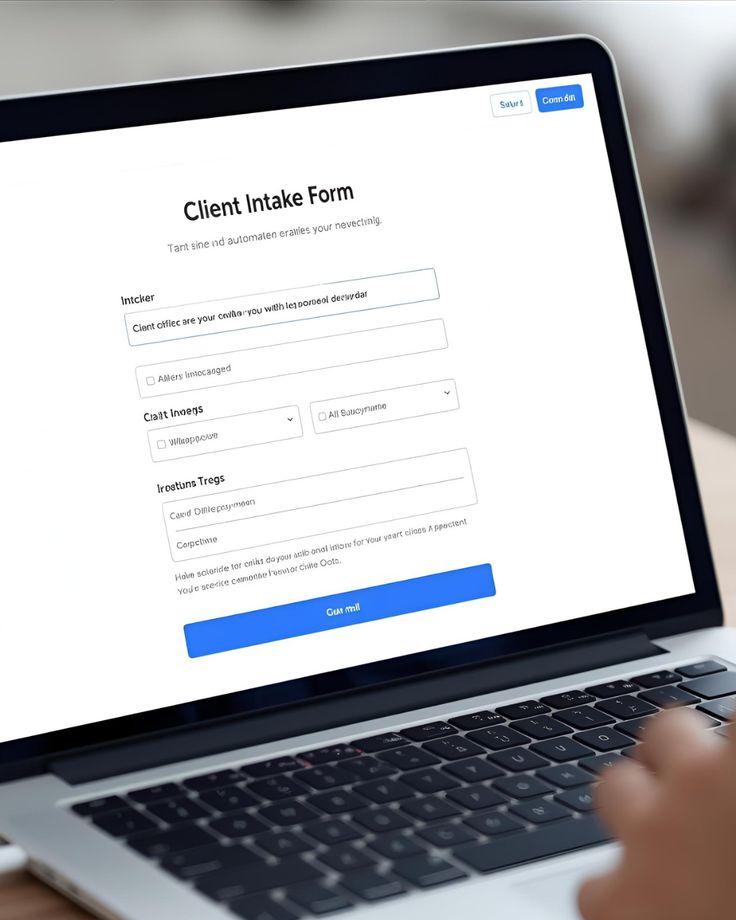
6. Weak Contact Forms
Long forms asking for unnecessary information discourage enquiries.
The easier it is to contact you, the more leads you'll receive.
How to Fix It:
Keep forms short.
Ask only for essential details.
Offer WhatsApp or phone call options.
7. No Local SEO Optimization
A great website is useless if customers can't find it.
Without local SEO, your business may never appear in relevant Google searches.
How to Fix It:
Optimize page titles and descriptions.
Target local keywords.
Create location-specific service pages.
Connect your Google Business Profile.
8. No Conversion Tracking
Many businesses don't know where their leads come from.
Without data, it's impossible to improve your marketing.
How to Fix It:
Install Google Analytics.
Set up conversion tracking.
Monitor phone calls and contact form submissions.
Conclusion
Your website shouldn't be an online brochure—it should be your hardest-working salesperson. By improving your messaging, building trust, simplifying the user journey, and optimizing for conversions, you can transform your website into a reliable source of leads and new customers.
Small improvements often make a significant difference. Focus on creating a fast, trustworthy, and easy-to-use experience, and your website will start working for your business instead of simply existing online.


Many business websites look great but fail to generate enquiries because they lack clear messaging, trust, and conversion-focused design. Learn the most common mistakes that prevent visitors from becoming customers and discover practical ways to turn your website into a lead-generating asset.
A business website should do more than simply exist online—it should actively generate enquiries, phone calls, and sales. Unfortunately, many businesses invest in a beautiful website only to find that it attracts visitors but rarely converts them into customers.
If your website isn't producing results, the problem usually isn't traffic. More often, it's the experience visitors have after they arrive.
1. Unclear Value Proposition
Visitors should understand what your business offers within the first few seconds.
If your homepage is filled with generic phrases like "Quality Service" or "Welcome to Our Company," potential customers won't know why they should choose you.
How to Fix It:
Write a clear headline explaining what you do.
Explain who you help.
Highlight the main benefit customers receive.
2. No Clear Call-to-Action
Many websites leave visitors wondering what to do next.
Should they call?
Fill out a form?
Book an appointment?
Without a clear direction, most people simply leave.
How to Fix It:
Add a prominent "Get a Free Quote" button.
Include "Call Now" buttons throughout the website.
Make contact options visible on every page.
3. Slow Loading Speed
People expect websites to load almost instantly.
If your website takes several seconds to load, many visitors will leave before seeing your content.
How to Fix It:
Compress large images.
Remove unnecessary scripts.
Use fast hosting.
Optimize website performance.
4. Lack of Trust Signals
Visitors won't contact a business they don't trust.
A website without reviews, testimonials, certifications, or project photos often feels unreliable.
How to Fix It:
Display Google reviews.
Showcase client testimonials.
Add before-and-after project photos.
Include business certifications and awards.
5. Poor Mobile Experience
Most local customers search for businesses using their phones.
If your website isn't mobile-friendly, you're losing potential customers every day.
How to Fix It:
Use responsive layouts.
Make buttons easy to tap.
Keep text readable.
Simplify navigation.
6. Weak Contact Forms
Long forms asking for unnecessary information discourage enquiries.
The easier it is to contact you, the more leads you'll receive.
How to Fix It:
Keep forms short.
Ask only for essential details.
Offer WhatsApp or phone call options.
7. No Local SEO Optimization
A great website is useless if customers can't find it.
Without local SEO, your business may never appear in relevant Google searches.
How to Fix It:
Optimize page titles and descriptions.
Target local keywords.
Create location-specific service pages.
Connect your Google Business Profile.
8. No Conversion Tracking
Many businesses don't know where their leads come from.
Without data, it's impossible to improve your marketing.
How to Fix It:
Install Google Analytics.
Set up conversion tracking.
Monitor phone calls and contact form submissions.
Conclusion
Your website shouldn't be an online brochure—it should be your hardest-working salesperson. By improving your messaging, building trust, simplifying the user journey, and optimizing for conversions, you can transform your website into a reliable source of leads and new customers.
Small improvements often make a significant difference. Focus on creating a fast, trustworthy, and easy-to-use experience, and your website will start working for your business instead of simply existing online.
Other Blogs
Other Blogs
Check our other project Blogs with useful insight and information for your businesses


Other Blogs
Other Blogs
Check our other project Blogs with useful insight and information for your businesses